 Product Digest

Nulogy Monthly Product Digest
Welcome to your monthly roundup of the latest features released in the Nulogy platform. Below, see how our teams are making it easier and faster for you to plan, produce, and deliver.
What's New
New features across Nulogy's solutions
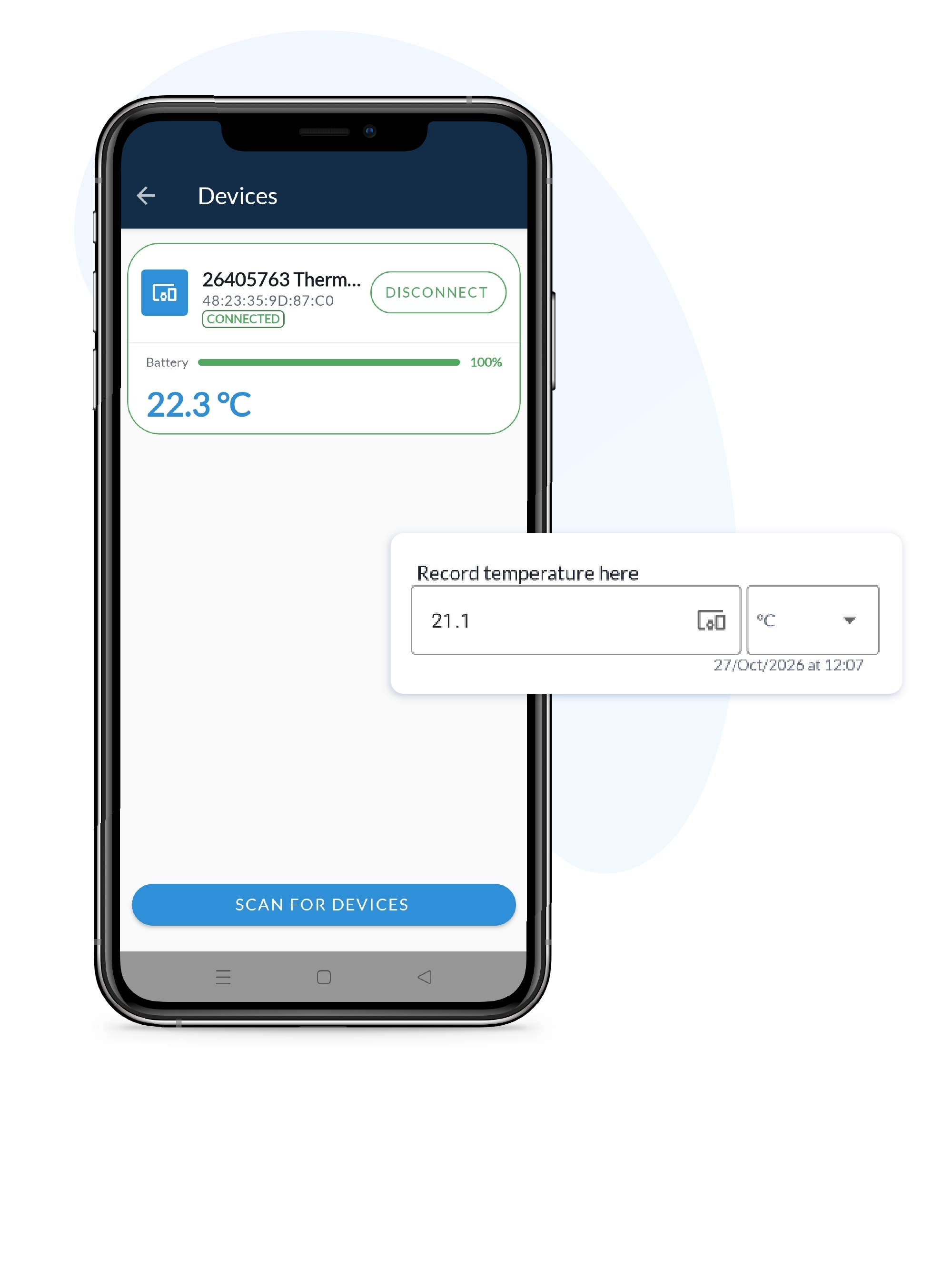
🌡️ Capture Temperatures Straight from Your Thermometer
Take temperature readings (in °C or °F) straight into your assessments simply by pairing a Thermapen IR thermometer with your Android app. This feature works with the ETI Thermapen IR Blue and, in the US, the ThermoWorks Thermapen IR. iOS users, sit tight—support is coming soon!
See What’s New →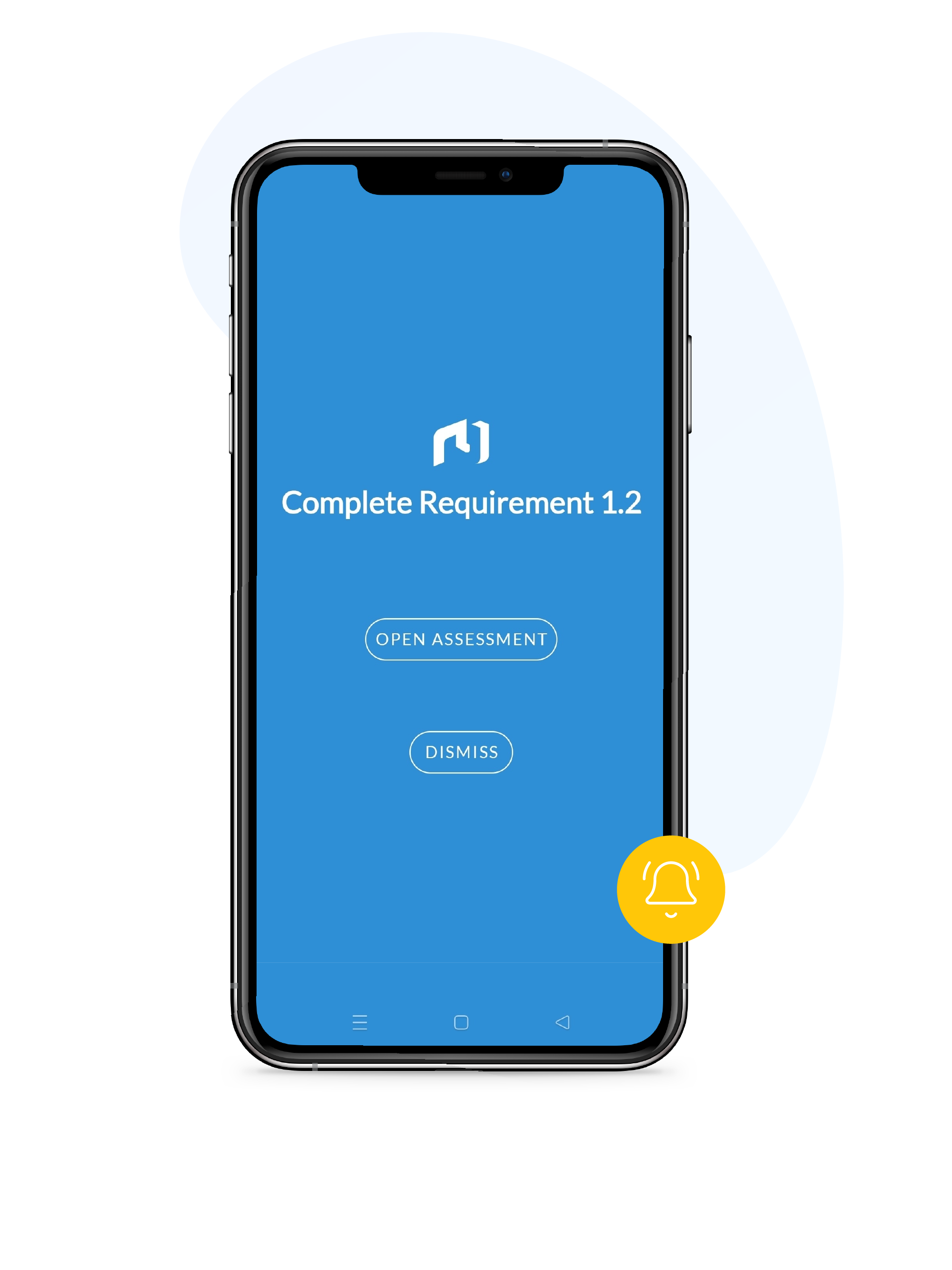
⏰ Never Miss a Repeat Check
Need reminders for repeated checks? Now, you can set a timed alert on any field, and your team gets pinged on their Android or iOS device when the next reading is due. This feature is ideal for checks repeated through a shift, such as hourly temperature readings.
Learn More →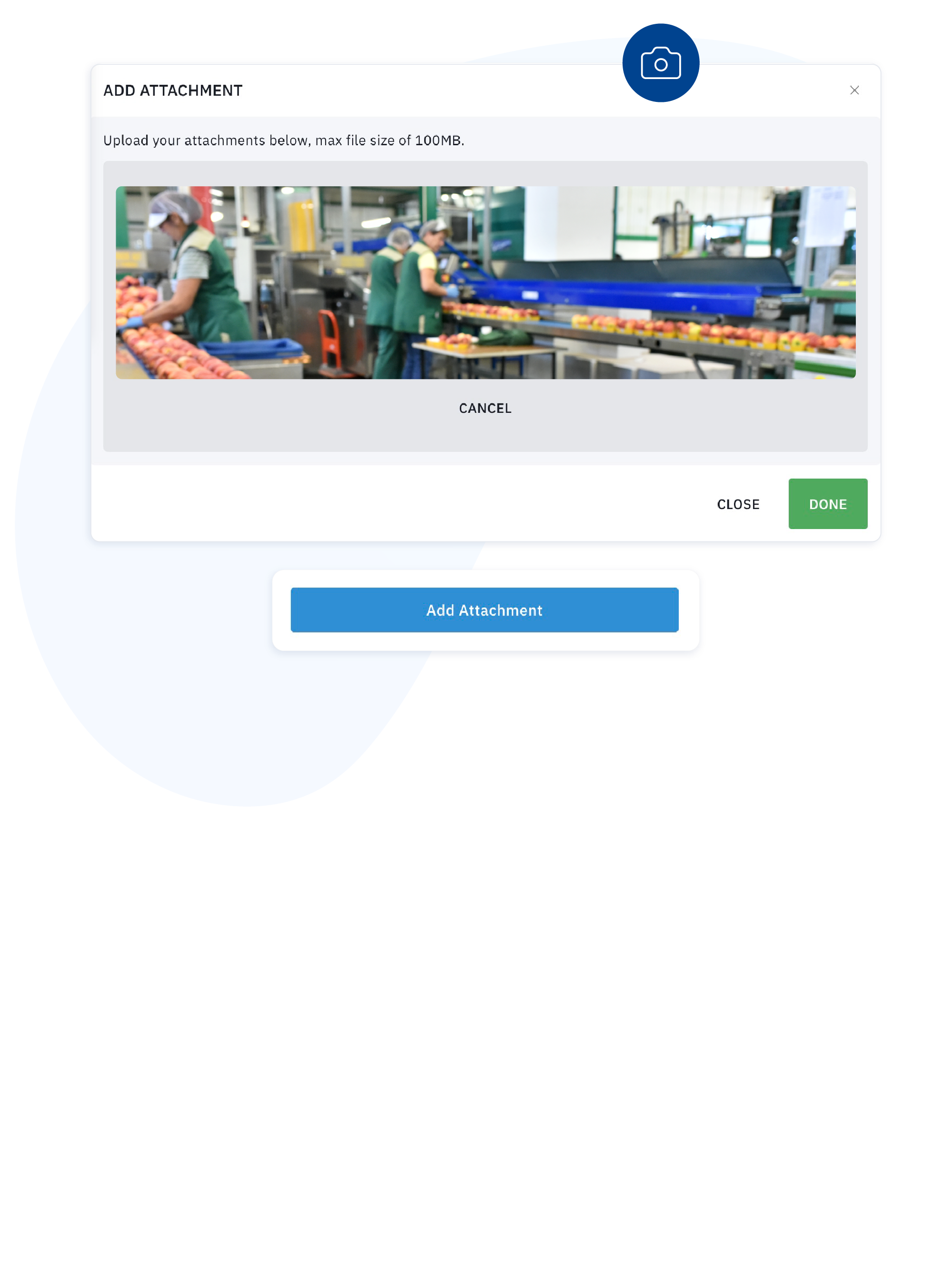
📷 Photos and Scans, Right in Your Browser
Assessments conducted in a web browser can now use your device’s camera—including laptops and tablets. Take photos for requirements, non-conformance evidence and asset files, and fill text fields by scanning a QR code or barcode.
Learn More →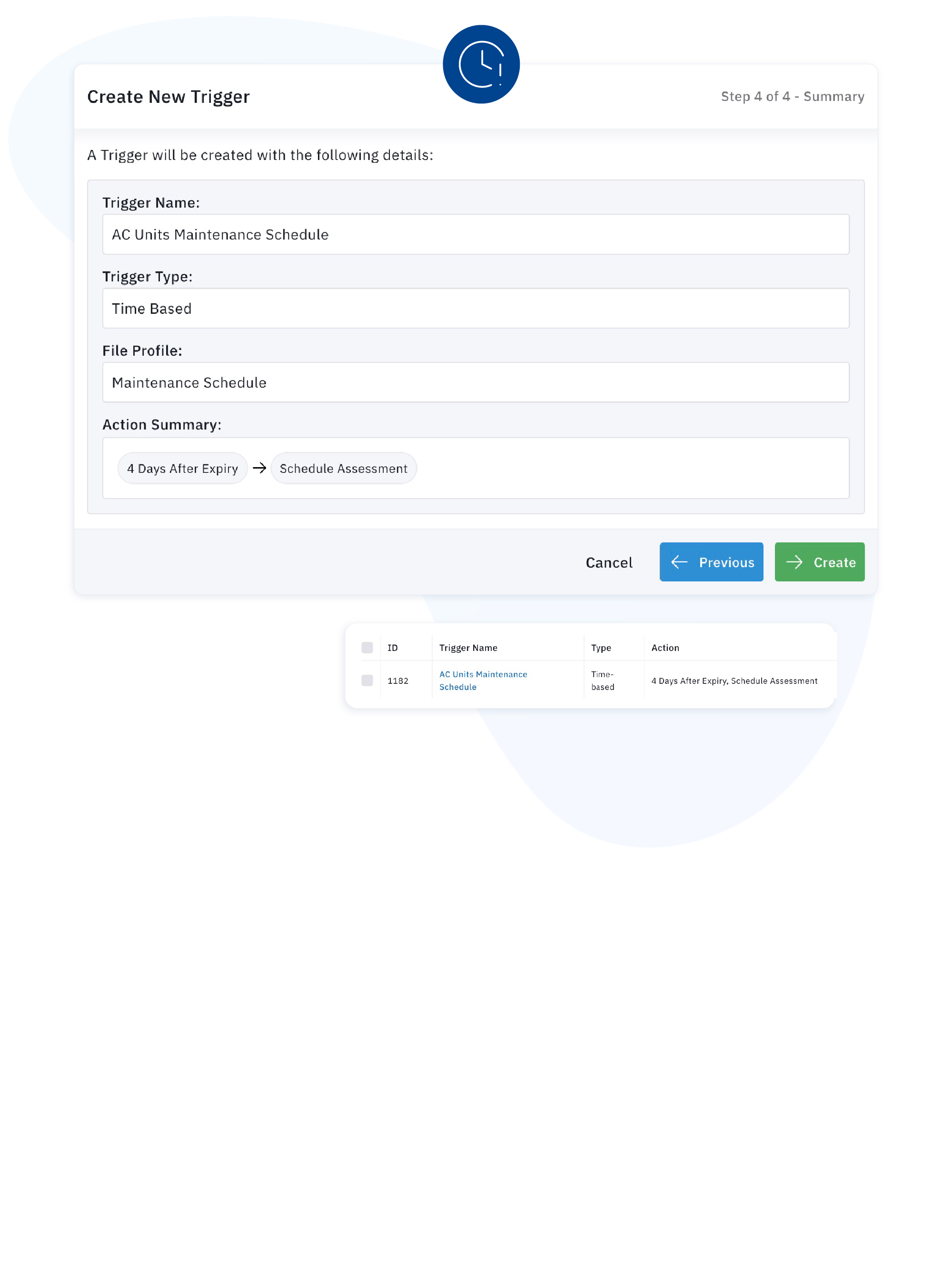
📅 Catch Expired Documents, Not Just Expiring Ones
Triggers can now notify after a document expires, not only before. Documents that were already past their expiry date when uploaded are picked up too, so a lapsed supplier certificate doesn’t go unnoticed. Choose “After Expiry” when setting up a trigger to turn it on.
Learn More →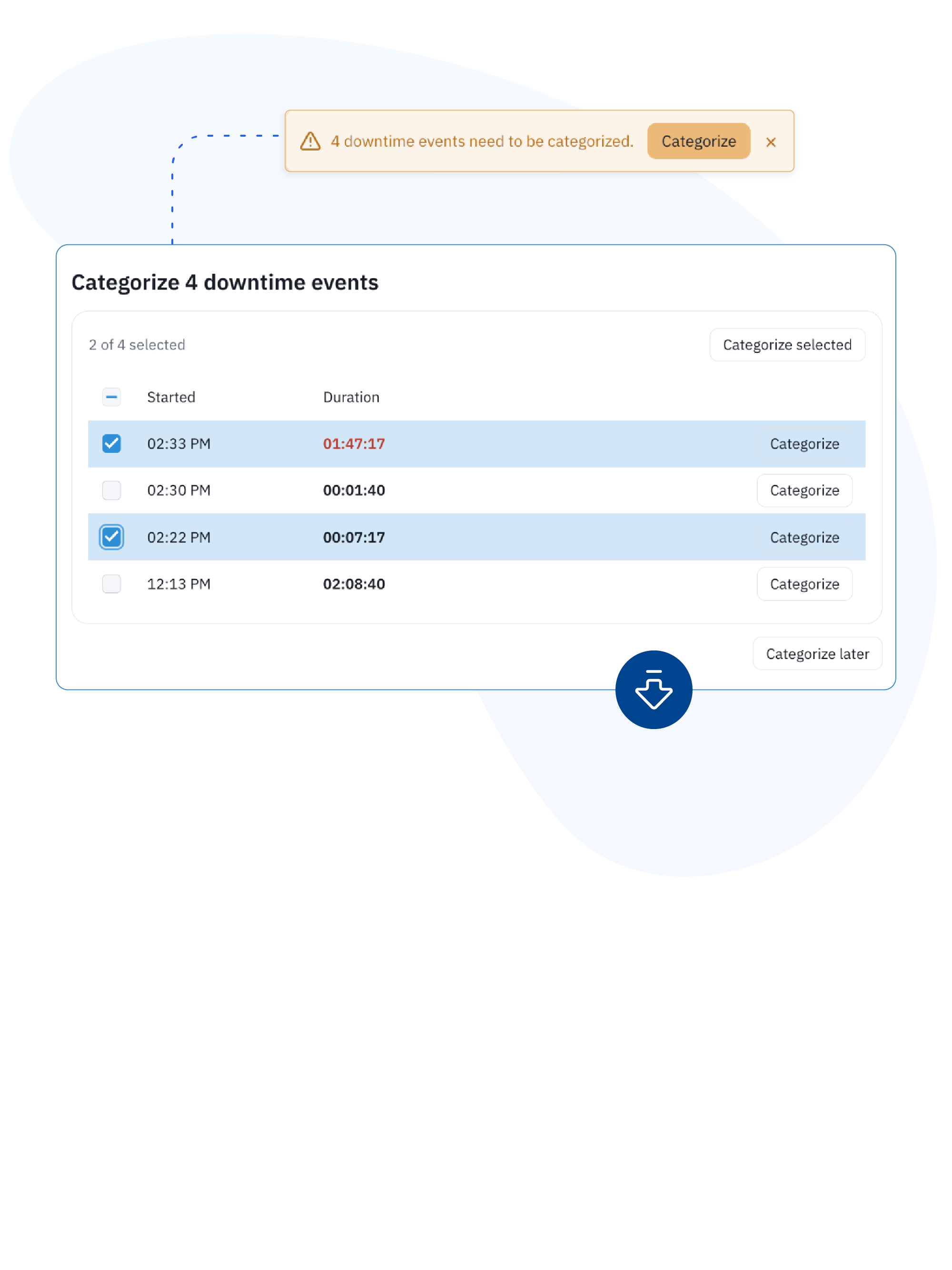
🛑 Catch Every Stop, Right From the Job Page
Now in Shop Floor and Smart Factory, get a reason for every machine stop, without leaving the Job page. Fewer uncategorized stops means downtime data you can trust, and a clearer view of what’s really costing you time.
See How It Works →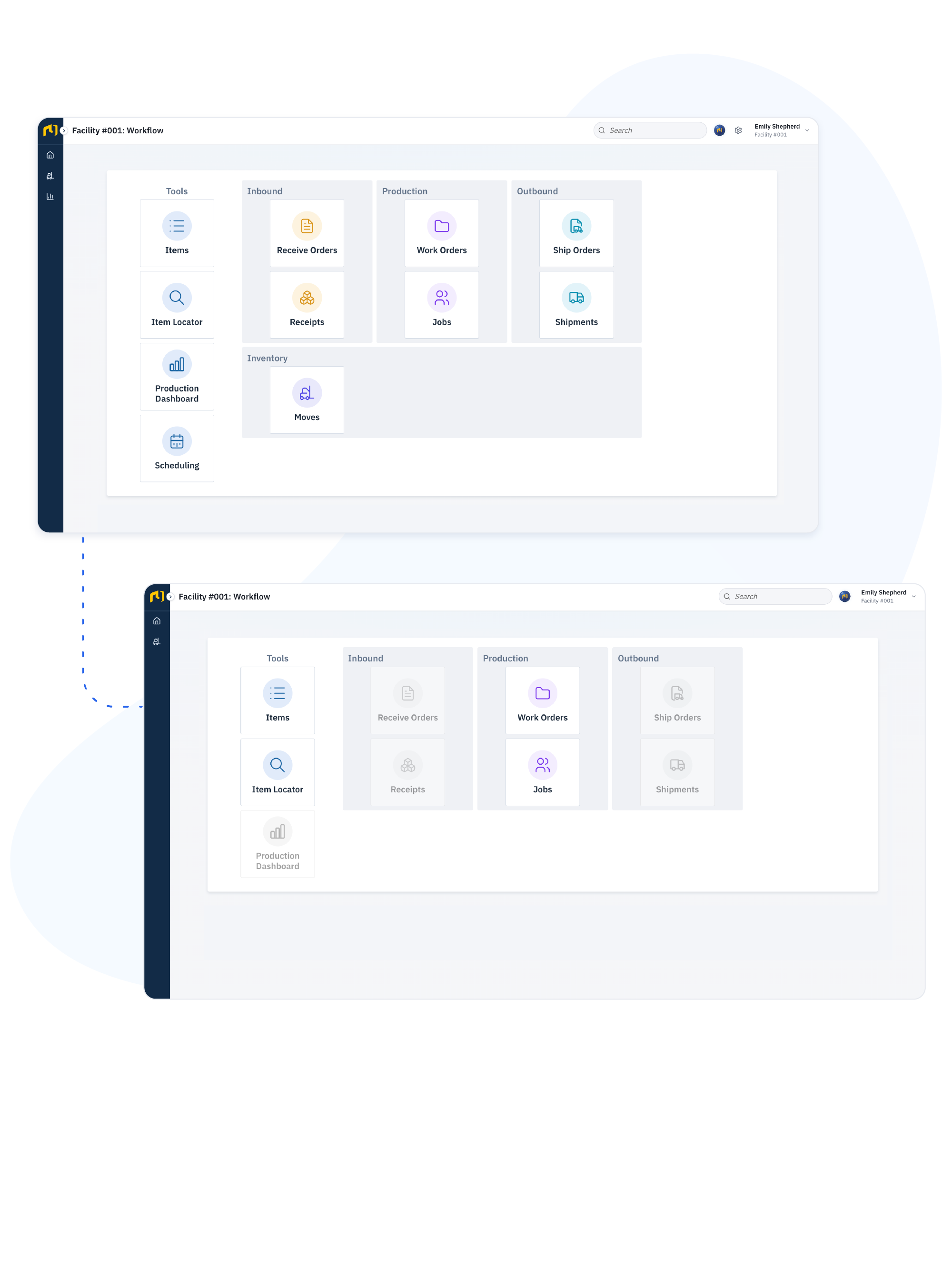
🔐 The Right Access for Line Leads
Shop Floor now has a simpler Job page for line leads! The new Restricted Lead role hides the actions most line leads never use, so they can focus on entering production information. Edits and deletes stay with supervisors and roles with higher permissions.
See How to Set It Up →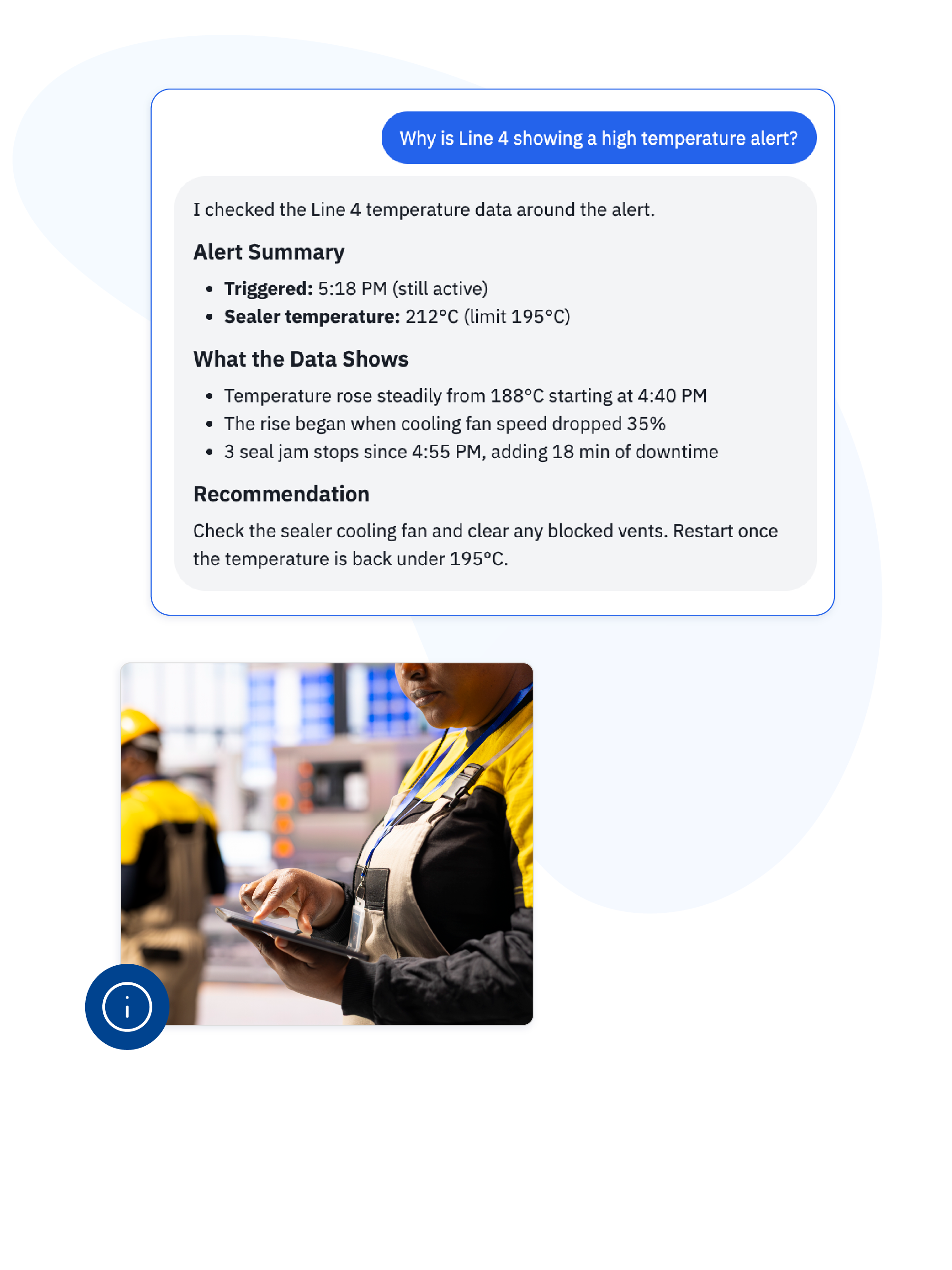
🔍 Nora Has Even More Answers!
Nora now understands your process data, such as temperature, pressure and speed. Ask what changed during a shift, and Nora points to the readings that drifted and whether they line up with downtime or scrap. Find root causes in minutes, not hours.
See What Nora Can Do →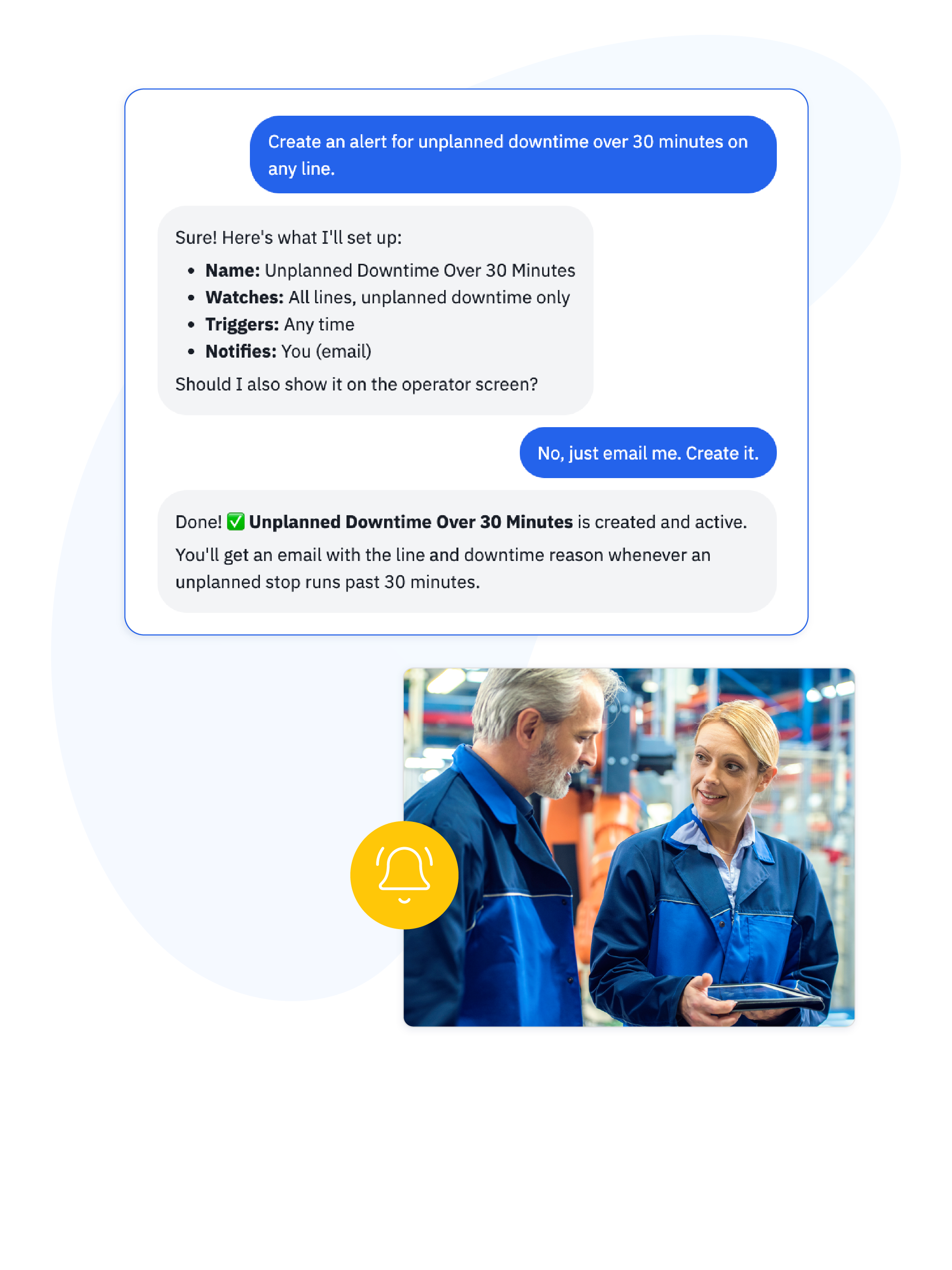
🔔 Set Up Alerts Just by Asking Nora
Setting up an alert in Smart Factory and Maintenance is now easier than ever. Tell Nora what you want to watch, and Nora builds the alert with you and checks it against your data. Catch problems sooner, with no setup screens to slow you down.
See What Nora Can Do →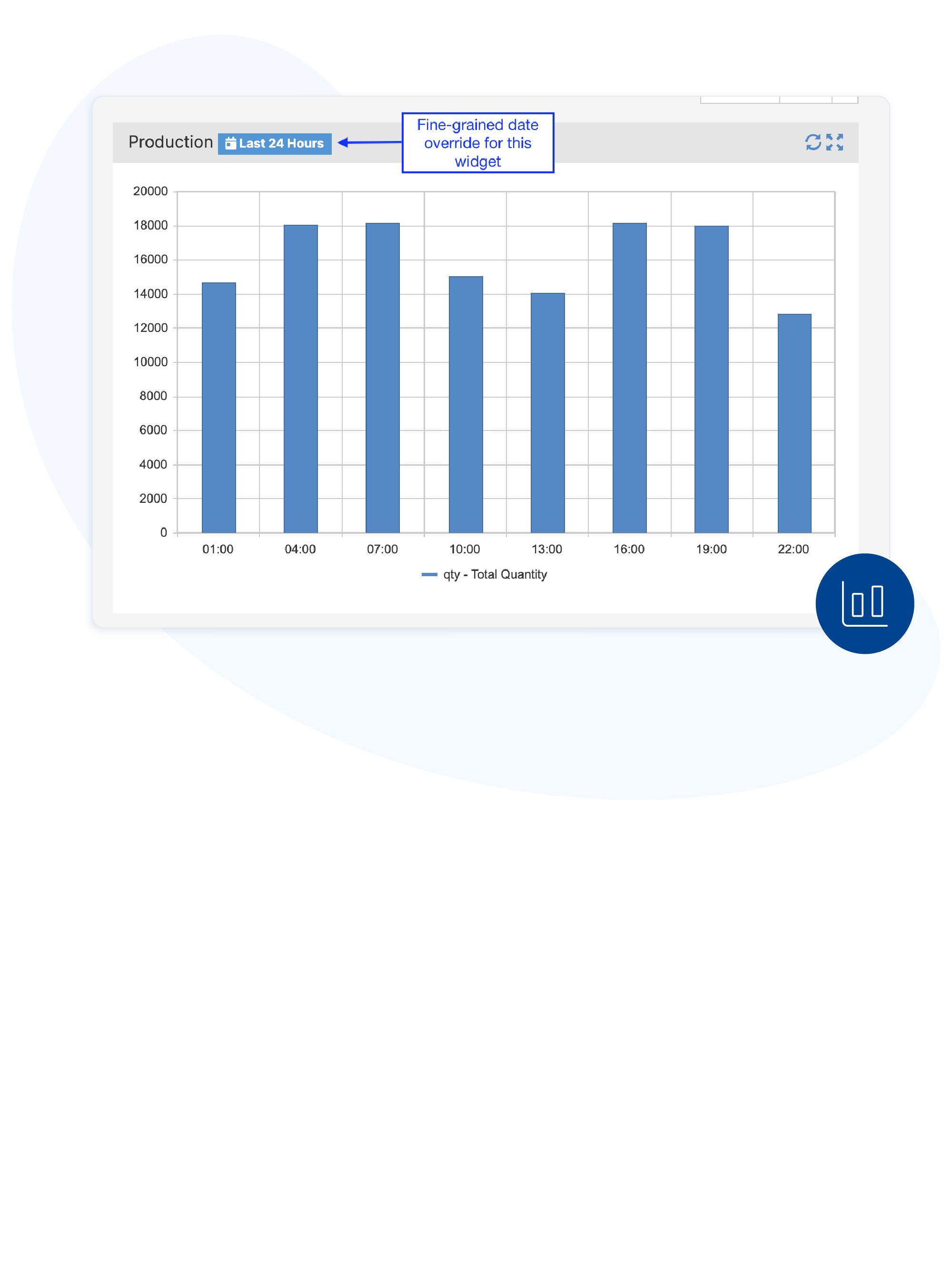
⏳ Your Most Important Metrics, on One Dashboard
Dashboard widgets in Smart Factory can now show a rolling window, such as the last 4 hours. Keep an eye on the current shift and long-term trends side by side, without switching dashboards.
See How to Set It Up →Have feedback on this release?
We'd love to hear what you think. Reach out to your customer success manager any time.
Share feedback
For the people behind every product.