A Lunch & Learn deep dive into the Production Scheduling module in Nulogy Shop Floor, including the role of its data science capabilities.
The recording opens as soon as you submit. We'll email you the link as well, so you can come back to it or share it with your team.
Whether you're new to Production Scheduling or looking to level up, this Lunch & Learn covers best practices, time-saving tips, and how to use the module's data science capabilities for better production outcomes.
Nulogy Product Manager Diana Carroll leads the session, which focuses on the topic for the first 30 minutes before opening up to questions. It suits teams new to Nulogy Shop Floor and those looking to get more value from the platform. Watch the recording.
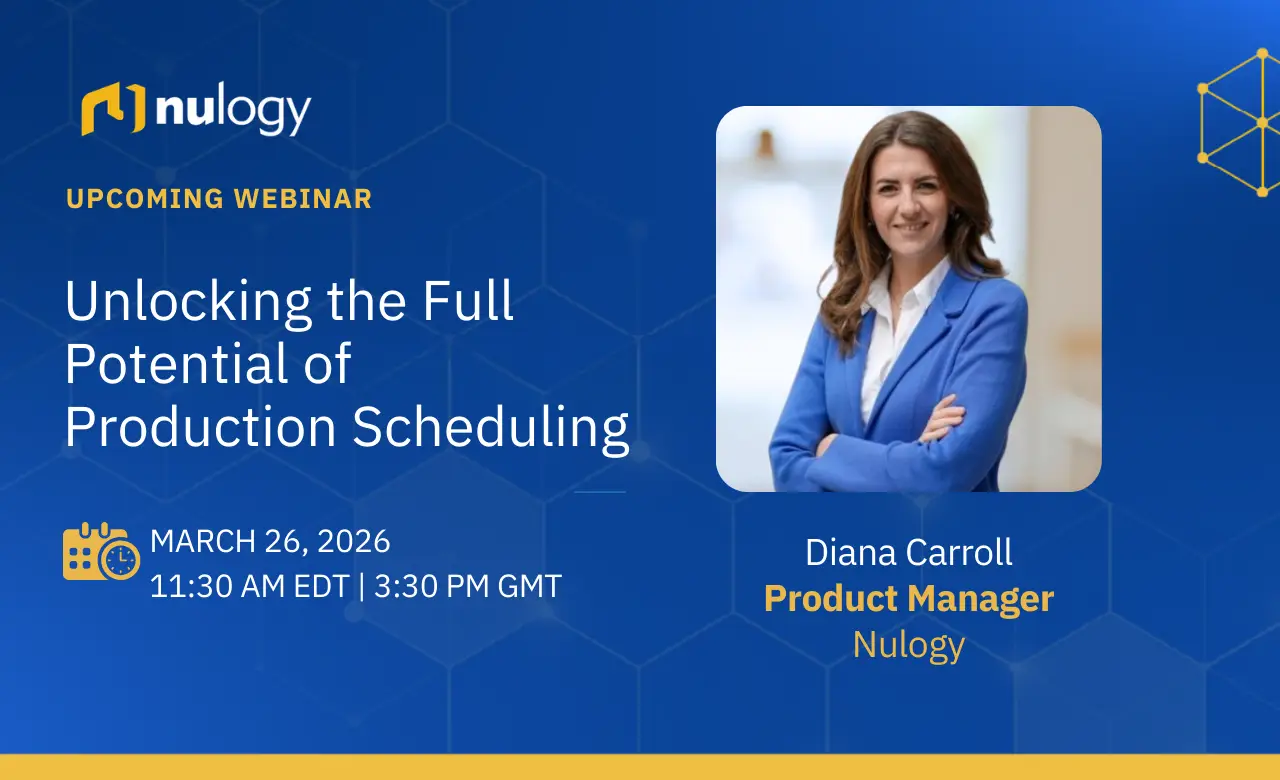
Jefe de producto
Nulogy
Thirty minutes on scheduling, then open Q&A.
How to set up and run Production Scheduling well.
Shortcuts that save planners time every week.
How to use the module's data science capabilities for better production outcomes.
Questions from teams using Nulogy, answered by the Product team.
Best practices, time-saving tips and how to use the data science capabilities of the Production Scheduling module in Nulogy Shop Floor, followed by Q&A.
Teams new to Nulogy, and teams looking to get more value from Production Scheduling.
Diana Carroll, Product Manager at Nulogy.
A short Nulogy session that covers one topic for the first 30 minutes before opening up to questions.
Guided storage recommendations based on the zones and rules you define.
Watch the webinar → WebinarHow Shop Floor connects data across every stage of production for faster recalls.
Watch the webinar → WebinarPrism eLogistics on moving from paper to purpose-built co-pack software.
Watch the webinar →See how co-packers schedule production in Nulogy Shop Floor.
Talk to our team about production scheduling.